










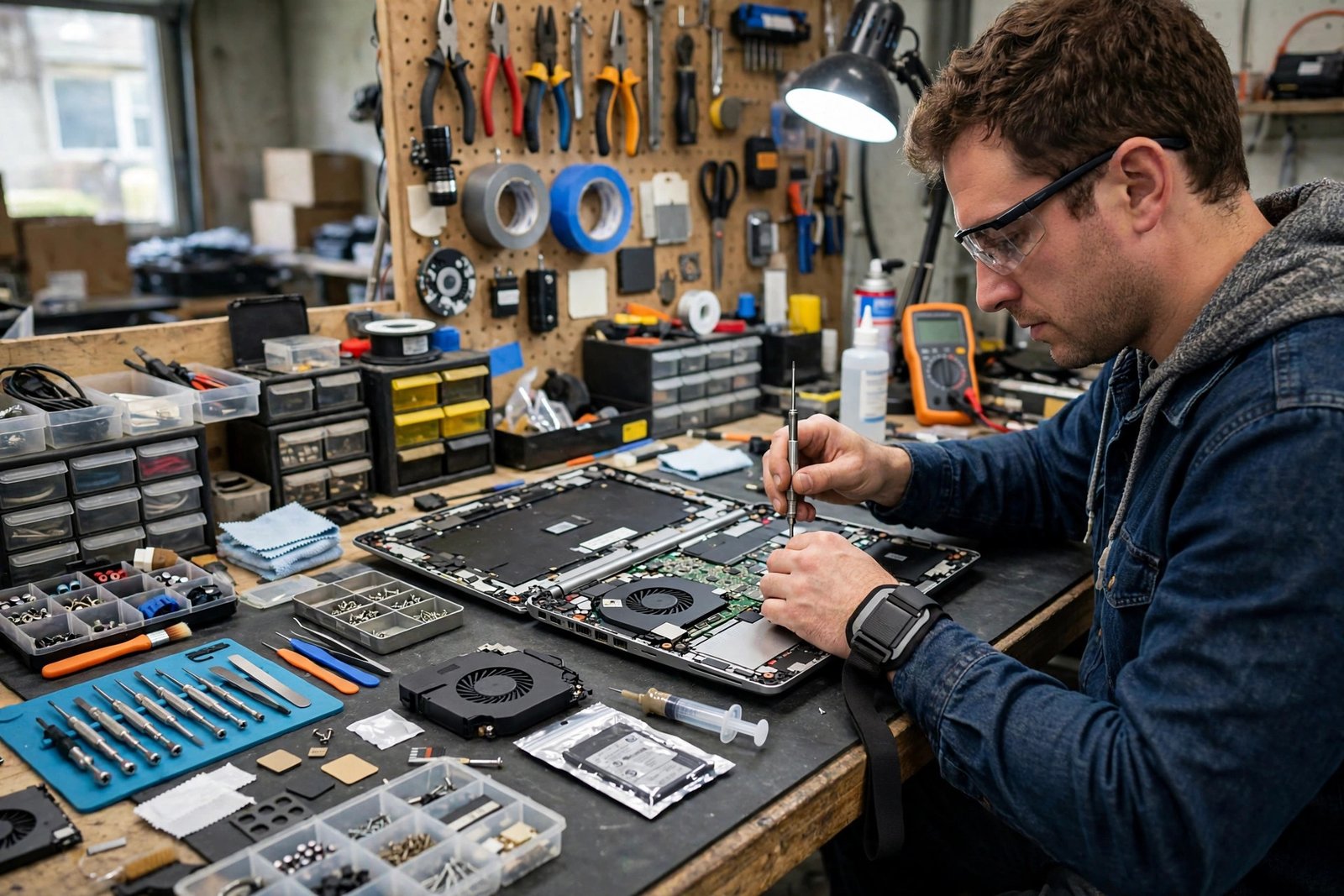
When a laptop stops working, the first search most people make is for laptop repair near me. A cracked screen, a battery that no longer holds a charge, a keyboard that types double letters, or a machine that refuses to switch on at all can disrupt work, study and daily life within hours. Finding the right repair service quickly matters, but so does finding one you can trust with a device that holds your documents, photos, passwords and work.
This guide explains the most common laptop faults, how to judge a repair shop before handing over your machine, what questions to ask, what a fair repair process looks like, and how to protect your data throughout. It will help you tell a competent local service apart from one that guesses, overcharges or risks your files.
Common Laptop Problems a Repair Shop Can Fix
Screen damage is the most visible laptop fault. A cracked or flickering display, dead pixels, or a screen that only works at certain angles usually points to the panel, the cable connecting it, or the hinge assembly. Most screens can be replaced without replacing the whole laptop, and a good shop will check whether the fault is the panel itself or a loose connection before quoting for a new one.
Battery and charging faults are almost as common. A battery that drains in minutes, swells, or causes the laptop to shut down without warning usually needs replacing, but charging problems can also come from a damaged charging port or a failing charger. A competent technician tests the charger, the port and the battery separately rather than replacing parts at random.
Keyboard, trackpad and hinge problems affect everyday usability. Individual keys can be replaced on some models, while others need a full keyboard assembly. Trackpads that jump or stop responding may need cleaning, a driver update, or a replacement part. Hinges that feel loose or stiff should be fixed early, because a failing hinge can crack the screen casing if it is forced.
Performance and software faults are less visible but just as disruptive. A laptop that takes many minutes to start, freezes regularly, or runs loudly and hot may have a failing storage drive, clogged cooling, or a software problem such as malware or a corrupted update. A good repair shop distinguishes hardware faults from software ones before recommending parts, because the fix, and the cost, is very different.

How to Judge a Laptop Repair Shop
Start with reputation, but read reviews critically. Look for detailed reviews that mention a specific fault, a quoted price, and how long the repair took, rather than generic praise. A shop with many reviews spread over time is more trustworthy than one with a sudden burst of short, vague ones. Ask friends, colleagues or local community groups for recommendations too, because a personal referral often reveals how a shop behaves when something goes wrong.
Visit or call before committing. A good shop asks questions about the fault, explains the likely causes in plain language, and gives a clear process: diagnosis, quote, repair, testing, and collection. Be cautious of any shop that quotes a firm price without seeing the machine, or that pressures you to leave the laptop immediately without explaining what will happen to it.
Check whether the shop specialises in your laptop’s brand or type. Some models, especially thin ultrabooks and machines with glued-in batteries, need specific tools and parts, and a general shop may not stock them. Ask whether genuine or high-quality compatible parts will be used, and whether the repair carries a warranty. A written warranty of a sensible length, covering both parts and labour, is a strong sign of confidence.
Turnaround time matters too. Screen and battery replacements are often same-day or next-day jobs when parts are in stock, while motherboard faults or machines that need parts ordered in can take longer. A shop that gives an honest timeframe, and updates you if it slips, is preferable to one that promises everything immediately and then goes quiet.
Protecting Your Data Before a Repair
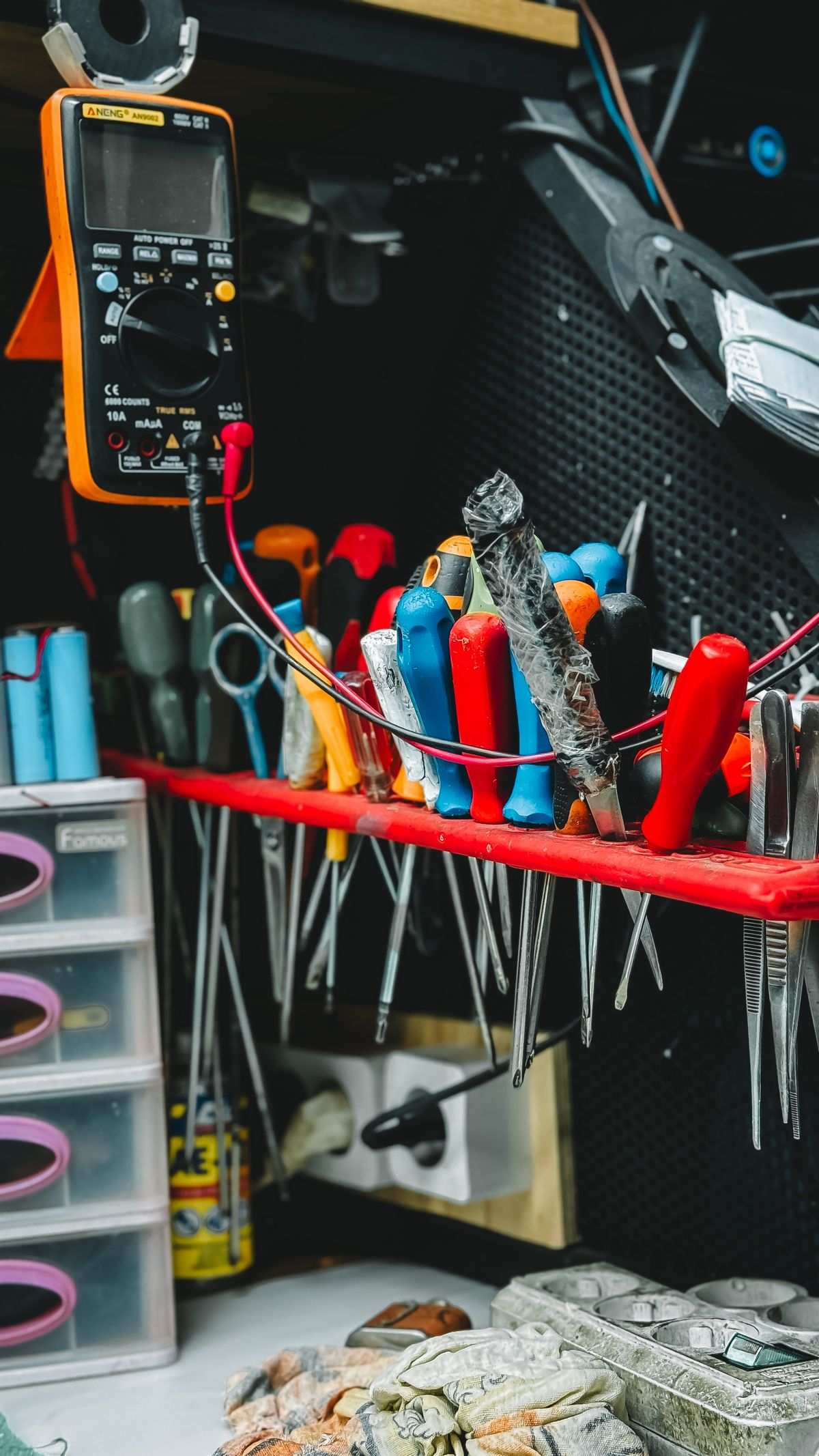
Your laptop’s data is usually worth far more than the machine itself, so protecting it comes before any repair. Back up everything important before handing the laptop over, ideally to an external drive and to a cloud service, so that a single backup failure does not leave you exposed. If the laptop still switches on, back up first and repair second, even if that delays the visit by a day.
If the laptop will not switch on, tell the shop that data recovery is your priority, and ask whether they can preserve the drive before attempting a repair that might erase it. In some cases a drive can be removed and read separately, even when the laptop itself is dead. Do not agree to a factory reset or a drive replacement until you understand what will happen to your files.
Think about privacy as well. A repair technician may need to log in to test the machine, so consider removing sensitive files temporarily, signing out of accounts, or creating a temporary guest account for testing where the system allows it. Remove memory cards and external drives before handing the machine over, and note the laptop’s serial number and condition, including existing scratches, so you can confirm its state on collection. For a broader view of how organisations think about technology risk and data protection, our guide to risk assessment software explains the same principles at a larger scale.

What a Fair Repair Process Looks Like
A fair process starts with diagnosis. The shop should identify the fault, explain it, and quote a price before doing the work, including whether the quote covers parts, labour and any testing. If diagnosis reveals a different fault from the one expected, the shop should contact you with a revised quote rather than proceeding silently and presenting a larger bill at collection.
During the repair, good shops keep your machine secure and labelled, and they test thoroughly afterwards. A screen replacement should be checked for dead pixels and touch response where relevant. A battery replacement should be checked for charging and run time. A software repair should be checked by restarting the machine several times and confirming that your files and applications still work. Ask what testing was done when you collect the machine, and test it yourself before leaving the shop where possible.
Watch out for upselling. A genuine fault may come with optional extras, such as a memory upgrade or a cleaning service, but these should be presented as choices, not as requirements. If a shop insists that an unrelated upgrade is essential, get a second opinion before agreeing. Equally, be realistic about older machines: if the repair cost approaches the value of a working equivalent, the honest advice may be to recover your data and replace the machine instead.
When to Repair and When to Replace
Repair usually wins when the fault is isolated, the machine is otherwise sound, and the cost is a modest fraction of a replacement. Screens, batteries, keyboards and storage drives all fall into this category for most laptops. Repair also wins on sustainability grounds, since keeping a working machine in use avoids the waste and cost of manufacturing a new one.
Replacement becomes sensible when several major parts fail at once, when the machine can no longer run the software you need, or when the manufacturer no longer supports it with security updates. If a laptop needs a new motherboard, a new screen and a new battery together, the combined cost and the risk of further faults often outweigh the saving. A trustworthy shop will say this plainly rather than selling you a repair that only delays the inevitable.
Ongoing care also extends a laptop’s life after repair. Keep vents clear, avoid using the machine on soft surfaces that block airflow, keep software updated, and treat the charging cable gently, since port damage is a common repeat fault. For businesses, regular maintenance and a clear support arrangement prevent many faults from becoming emergencies, as explained in our guide to IT support, which covers what professional support looks like beyond one-off repairs.
Common Mistakes to Avoid
- Skipping the backup: Never hand over a laptop holding irreplaceable files without a backup first.
- Accepting a quote without diagnosis: A firm price before inspection usually means guesswork, not expertise.
- Choosing on price alone: The cheapest repair often uses the lowest-quality parts or skips testing.
- Ignoring the warranty: Always get the repair warranty in writing, covering parts and labour.
- Leaving accessories behind: Remove memory cards, drives and dongles before handing the machine over.
- Forcing a failing hinge: A stiff hinge can crack the casing; get it checked early.
Frequently Asked Questions
How long does a laptop repair usually take?
Common repairs such as screens and batteries are often completed within a day when parts are in stock. Faults needing ordered parts, motherboard work or data recovery can take several days. A good shop gives an honest estimate and updates you if it changes.
Will I lose my files during a repair?
Most hardware repairs do not touch your files, but any repair carries some risk, especially if the storage drive itself is faulty. Back up before the repair, and tell the shop if data preservation is your top priority.
Should I use the manufacturer or a local repair shop?
Manufacturer repair is often best for machines still under warranty, since independent repair can affect warranty cover. Out of warranty, a reputable local shop is usually faster and cheaper, provided it uses quality parts and offers a written warranty.
Is it worth repairing an old laptop?
It depends on the fault and the machine. A single part replacement on an otherwise capable laptop is usually worthwhile. Multiple major faults, or a machine that cannot run current software securely, often point to replacement instead.
Conclusion
Finding good laptop repair near you is less about the nearest shop and more about the most trustworthy one. Look for clear diagnosis, an honest quote before work begins, quality parts, a written warranty and thorough testing afterwards, and protect your data with a backup before you hand the machine over. With those checks in place, most laptop faults are fixable quickly and affordably, and your machine can return to work with its files intact and its life extended. When the honest answer is replacement rather than repair, a good shop will tell you that too, and that honesty is itself the best reason to use them again.