




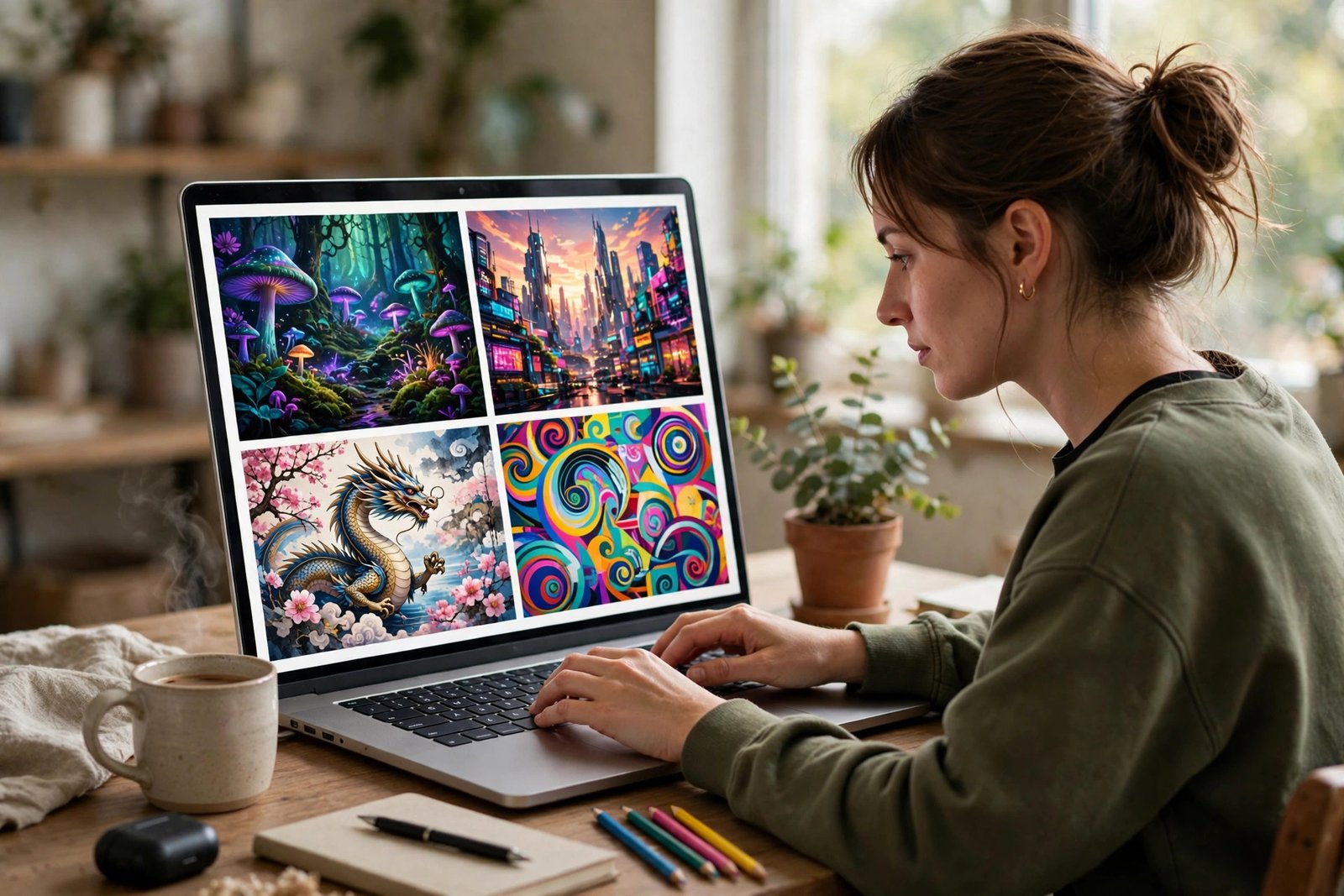
Type a sentence, and a picture appears. A lighthouse on a cliff at sunset, a product photo of a coffee mug, a cartoon mascot for a new brand, all created in seconds without a camera, a studio, or drawing skills. That is the promise of an image generator, and it is one of the most widely used applications of artificial intelligence today.
Image generators have moved quickly from novelty to everyday tool. Marketers use them for blog illustrations and social media graphics. Small businesses use them for product mock-ups and ad creatives. Teachers, writers, and hobbyists use them to visualise ideas that would otherwise stay in words. This guide explains what an image generator is, how the technology actually works, what separates a good tool from a weak one, and how to use generated images well, and responsibly.
What Is an Image Generator?
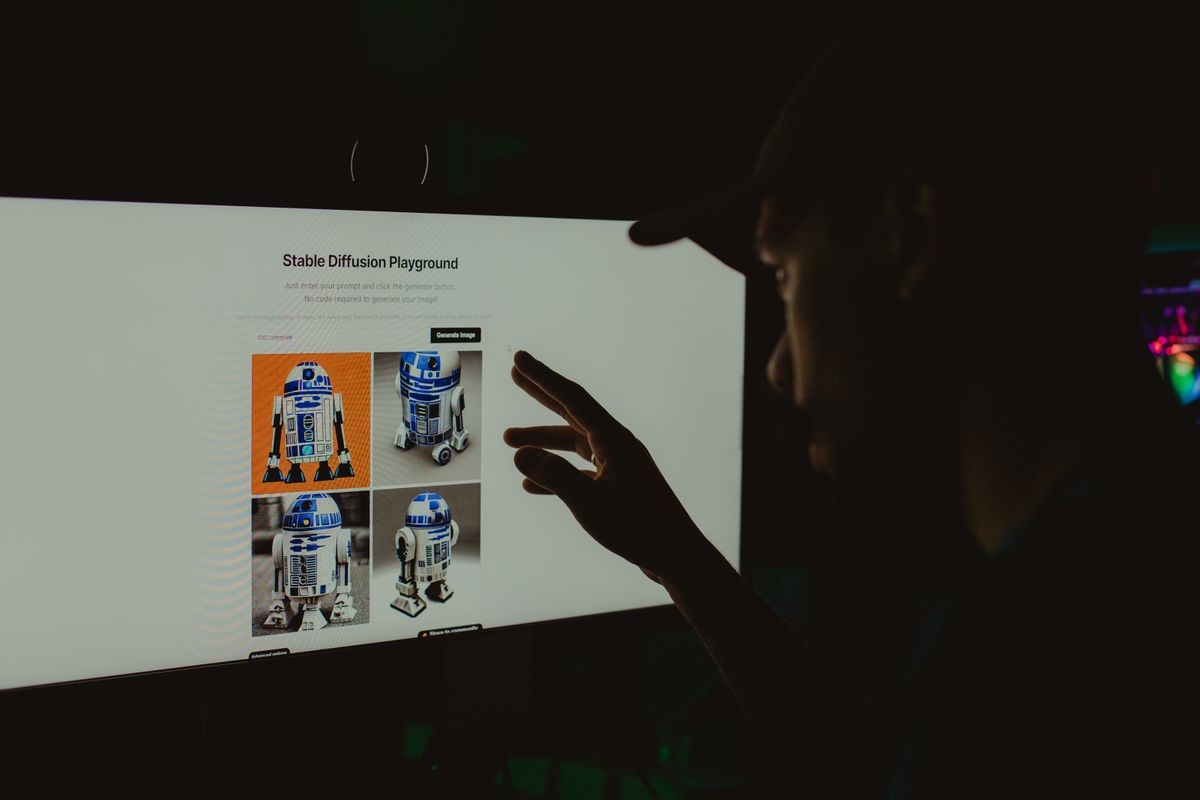
An image generator is software that creates pictures from an input you provide. The most common input is text, known as a prompt, such as “a cosy bookshop interior on a rainy evening, warm lighting, watercolour style”. Some tools also accept a reference image, a sketch, or a combination of text and images, and then generate new pictures based on that starting point. The output is a brand-new image, not a copy of an existing photograph, although it is shaped by patterns the system learned from vast collections of images during training.
Most modern image generators are powered by a type of artificial intelligence called a diffusion model. In simple terms, the model learns what images look like by studying millions of examples, then learns to reverse a process of adding noise to an image until it can build a coherent picture from a noisy starting point, guided by your prompt. Other approaches, such as generative adversarial networks, work differently but share the same goal: produce a plausible, original image that matches the description given.
That last point matters. An image generator does not understand the world the way a person does. It does not know that a lighthouse needs a lamp room, or that hands normally have five fingers, except insofar as those patterns appear in its training data. That is why results can be brilliant one moment and subtly wrong the next, and why checking the output carefully is part of using the tool well.
How an Image Generator Works
Using an image generator usually follows the same few steps. First, you write a prompt describing the subject, setting, lighting, mood, and style. The more specific the prompt, the more control you have. “A dog” will give you a generic dog. “A golden retriever puppy sitting in autumn leaves, soft morning light, shallow depth of field, photorealistic” gives the model far more to work with, and usually a far better result.
Second, you choose settings. Most tools let you pick an aspect ratio, such as square for social media, wide for a blog header, or tall for a poster. Many offer style presets, quality settings, and a number of variations to generate at once. Some let you exclude things with a negative prompt, for example asking the tool to avoid text in the image, which image generators still handle poorly.
Third, the tool generates the image, often in under a minute. You can then refine it: adjust the prompt, keep the parts you like, regenerate the parts you do not, or upscale the result for printing or large screens. Good results rarely come from a single prompt. They come from a short cycle of generating, reviewing, and refining, much like drafting a piece of writing.
Behind the scenes, the model balances two competing goals: matching your prompt closely, and producing an image that looks like a real, coherent picture. Turn the prompt influence too high and the image can look forced or distorted. Turn it too low and the result may drift away from what you asked for. Most tools set a sensible middle ground by default, and experienced users learn to nudge it in either direction for different jobs.
What You Can Use an Image Generator For
The most common use is content creation. Blog headers, social media posts, newsletter illustrations, and presentation slides all need visuals, and commissioning or photographing every image is slow and costly, especially for a small team. An image generator fills that gap quickly, producing on-topic illustrations in a consistent style across a whole series of posts.
Businesses also use image generators for brainstorming and prototyping. A product team can visualise packaging ideas before committing to a photoshoot. A brand designer can explore logo directions, colour palettes, and mascot concepts in an afternoon. An estate agent, a restaurant, or a local shop can create seasonal promotional graphics without waiting for a designer to become available. This kind of everyday creative support is part of the wider shift in how companies use smart tools in daily work, as discussed in our guide to tech daily business growth strategies for modern companies.
Creative and educational uses are just as important. Writers use generated images to picture characters and settings. Teachers create diagrams and illustrations for lessons. Hobbyists make posters, book covers, and game art. Because the cost of experimenting is so low, people try ideas they would never have paid a professional to explore, and some of those experiments turn into real projects.
There are limits, though. Image generators are not a substitute for real photography when accuracy matters. A generated picture of a real product, a real place, or a real person will not be accurate, and presenting it as a genuine photograph would be misleading. For product listings, news reporting, and anything where truthfulness matters, real photos remain essential.
Choosing the Right Image Generator
Dozens of image generators are available, and they differ more than their marketing suggests. The first thing to compare is output quality for your kind of work. Some tools excel at photorealistic images, others at illustration, anime, or 3D-rendered styles. Try the same prompt in two or three tools before committing, and judge the results at full size, not just as small previews.
The second factor is control. Basic tools offer a prompt box and little else. More advanced tools let you edit parts of an image, extend a picture beyond its borders, keep a character consistent across several images, or apply a reference style. If you only need occasional blog illustrations, basic control is plenty. If you need a consistent brand look across dozens of images, control features matter far more than raw speed.
The third factor is licensing and commercial use. Check the terms of the tool you use: can you use generated images in paid advertising, on products for sale, or in client work? Some tools grant broad commercial rights, others restrict use, and terms change over time, so it is worth reading the current terms rather than assuming. Keep a record of which tool produced each image you publish commercially, in case the question ever arises.
Other practical factors include ease of use, generation speed, the cost model, and whether the tool runs in a browser, as an app, or inside another product you already use, such as a design platform. Free tiers are useful for learning, but they often limit resolution, add watermarks, or queue your requests behind paying users. For regular business use, a paid plan usually pays for itself in saved time alone. Cost varies widely between tools, so compare what is included, such as the number of generations, image resolution, and commercial rights, rather than judging on headline price alone.
How to Write Better Prompts
Prompt writing is a skill, and it improves quickly with practice. Start with the subject, then add the setting, then the details that shape the look. A useful structure is: subject, action, environment, lighting, style, and mood. For example: “a small bakery storefront at dawn, warm light in the windows, freshly baked bread on display, cosy and inviting, detailed illustration style”. Each added detail narrows the range of possible outputs.
Be specific about what you do not want as well. If text keeps appearing garbled in your images, ask for no text. If colours look washed out, name the palette you want. If the composition feels empty, describe the foreground and background separately. Short prompts are fine for exploration, but the best results usually come from prompts that are detailed without becoming a paragraph of contradictions.
Keep a note of prompts that work well. When you find a phrasing that reliably produces your preferred style, reuse it as a template and change only the subject. This is how small teams achieve a consistent visual identity across many generated images, instead of a random mix of styles that looks unprofessional when placed side by side.
Finally, expect to iterate. Professional users rarely publish the first generation. They generate several variations, pick the strongest composition, refine the prompt to fix its flaws, and sometimes finish the image in a photo editor, correcting a detail, cropping for the right ratio, or adjusting colours to match a brand. The generator does the heavy lifting, but human judgement still makes the final call.
Using Generated Images Responsibly
Image generators raise genuine questions about originality, consent, and fairness, and responsible users take them seriously. First, do not generate images that imitate a living artist’s distinctive style for commercial work, or that depict real people in misleading or embarrassing situations. Just because a tool can produce an image does not mean it should be published.
Second, be transparent where it matters. For a blog illustration or a social media graphic, a generated image needs no special label in most contexts. But if an image could be mistaken for a real photograph, a real event, or a real product, say clearly that it is an illustration or AI-generated. Transparency protects your audience and your own credibility.
Third, think about bias. Image generators learn from existing pictures, which reflect existing stereotypes. Ask for a doctor and you may repeatedly get the same demographic. Ask for a business leader and the results may skew in predictable ways. Varying your prompts deliberately, and checking results rather than accepting the first output, helps avoid reinforcing narrow portrayals without realising it.
Fourth, respect the terms of the tool and the rights of others. Do not upload someone else’s copyrighted artwork and ask a tool to reproduce it, and do not present generated images as your own photography. These are not just ethical points. They are the kind of practices that create legal and reputational problems for businesses that should have known better.

Image Generators and the Future of Creative Technology
Image generation is part of a much longer story. Every creative technology, from photography to desktop publishing to digital illustration, was first greeted as a threat to craft, then absorbed as a tool that expanded who could create and what they could make. Image generators follow the same pattern. They do not replace photographers, illustrators, or designers, but they do change which jobs go to a specialist and which can be done well enough in-house.
The technology is still improving rapidly. Text rendering, which was once a reliable giveaway of AI imagery, is getting better. Consistency across a series of images, once very difficult, is improving. Video generation, built on similar foundations, is following close behind. For anyone who creates content regularly, the practical response is not to ignore these tools or to fear them, but to learn where they help and where they do not. That sense of proportion is also the theme of our guide to the evolution of technology, which traces how each wave of innovation reshapes work before settling into everyday use.
For businesses, the sensible approach is to treat an image generator as one tool among many. Use it for speed, exploration, and routine visuals. Keep real photography for products, people, and places where accuracy matters. Keep professional designers for brand identity, packaging, and work where originality is the product itself. Used that way, an image generator saves time and money without lowering the standard of what you publish.
Common Mistakes to Avoid
- Publishing the first result unchecked: Check hands, text, logos, and background details at full size before use.
- Using vague prompts: A one-word prompt gives the model almost nothing to work with. Add setting, lighting, and style.
- Presenting generated images as real photos: Never pass off an AI image as a genuine photograph of a product, place, or person.
- Ignoring licences: Check whether your plan allows commercial use, and keep a record of the tool used.
- Accepting a random mix of styles: Reuse successful prompts to keep a consistent look across your content.
- Expecting perfection: Refinement and light editing are part of the workflow, not a sign that the tool has failed.
Frequently Asked Questions
What is an image generator?
An image generator is software, usually powered by AI, that creates new pictures from a text description, and sometimes from a reference image or sketch. You describe what you want, and the tool generates an original image matching that description.
Are AI-generated images free to use commercially?
It depends on the tool and the plan you are on. Some tools allow commercial use, others restrict it, and terms change. Always check the current terms of the specific tool you use before publishing generated images in advertising or on products for sale.
Can an image generator replace a photographer or designer?
For routine illustrations and quick visuals, often yes. For accurate product photography, brand identity, and original creative work, no. The best results come from using generators alongside professionals, not instead of them.
Why do AI images sometimes have strange hands or garbled text?
Because the model works from learned visual patterns rather than real understanding of anatomy or language. Hands and text are complex, detailed features where small errors are easy to spot. Newer models handle both better, but checking output carefully remains essential.
How do I get better results from an image generator?
Write detailed prompts covering subject, setting, lighting, and style, generate several variations, refine the best one, and finish it with light editing if needed. Keeping a record of prompts that work well gives you a consistent style over time.
Conclusion
An image generator is a remarkably capable tool, and its real value is practical rather than magical. It lets anyone turn an idea into a picture in minutes, explore visual directions cheaply, and produce consistent illustrations for content that would otherwise go without images. Its limits are equally practical: it can be inaccurate, it can reinforce stereotypes, and it cannot replace real photography or original design where those matter. Used with clear prompts, careful checking, honest labelling where needed, and respect for licensing, an image generator earns its place in any content workflow. Start with a specific prompt, iterate a few times, and judge the result the way you would judge any image you publish: does it look right, does it serve the reader, and would you be comfortable explaining how it was made?