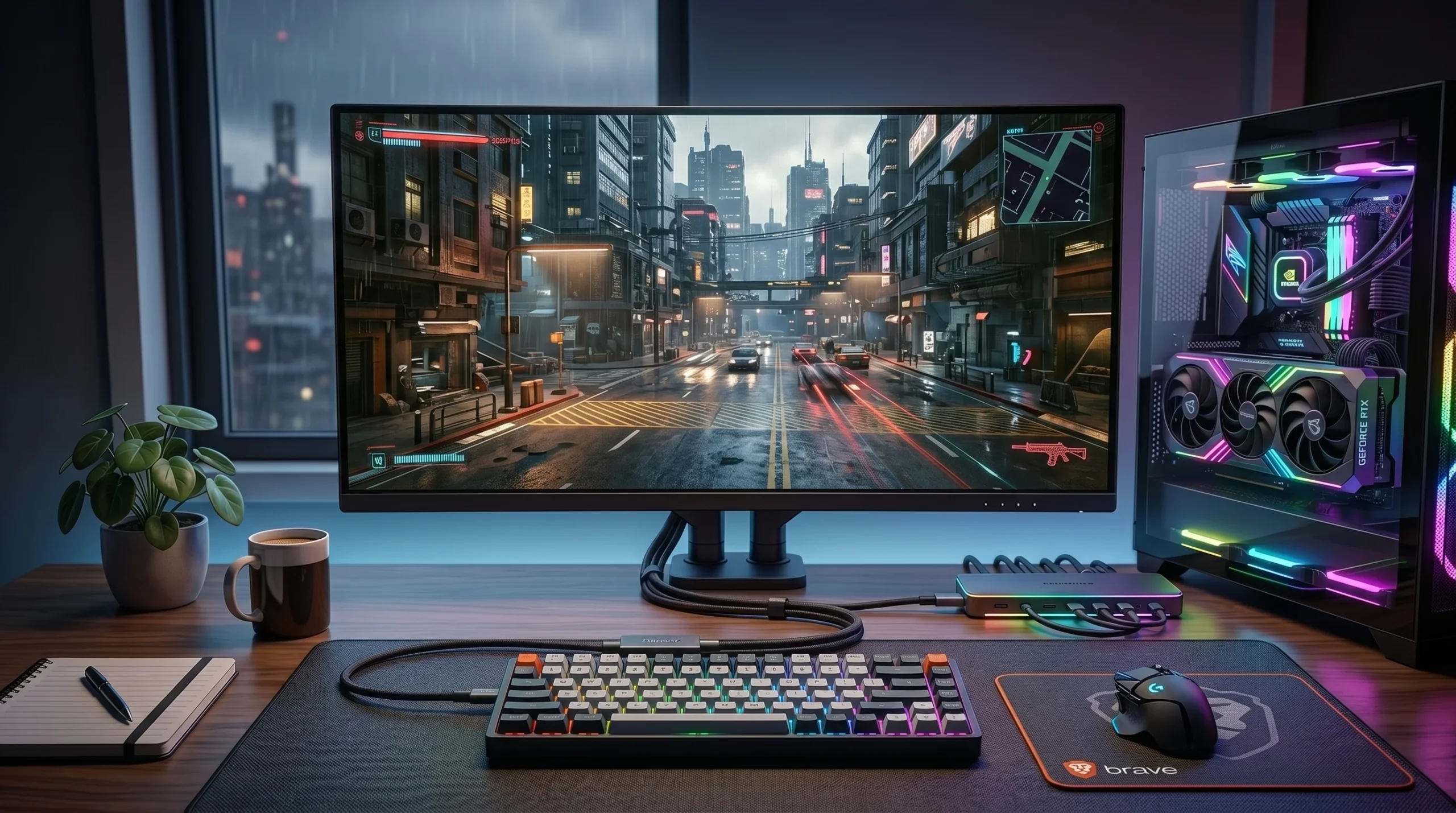








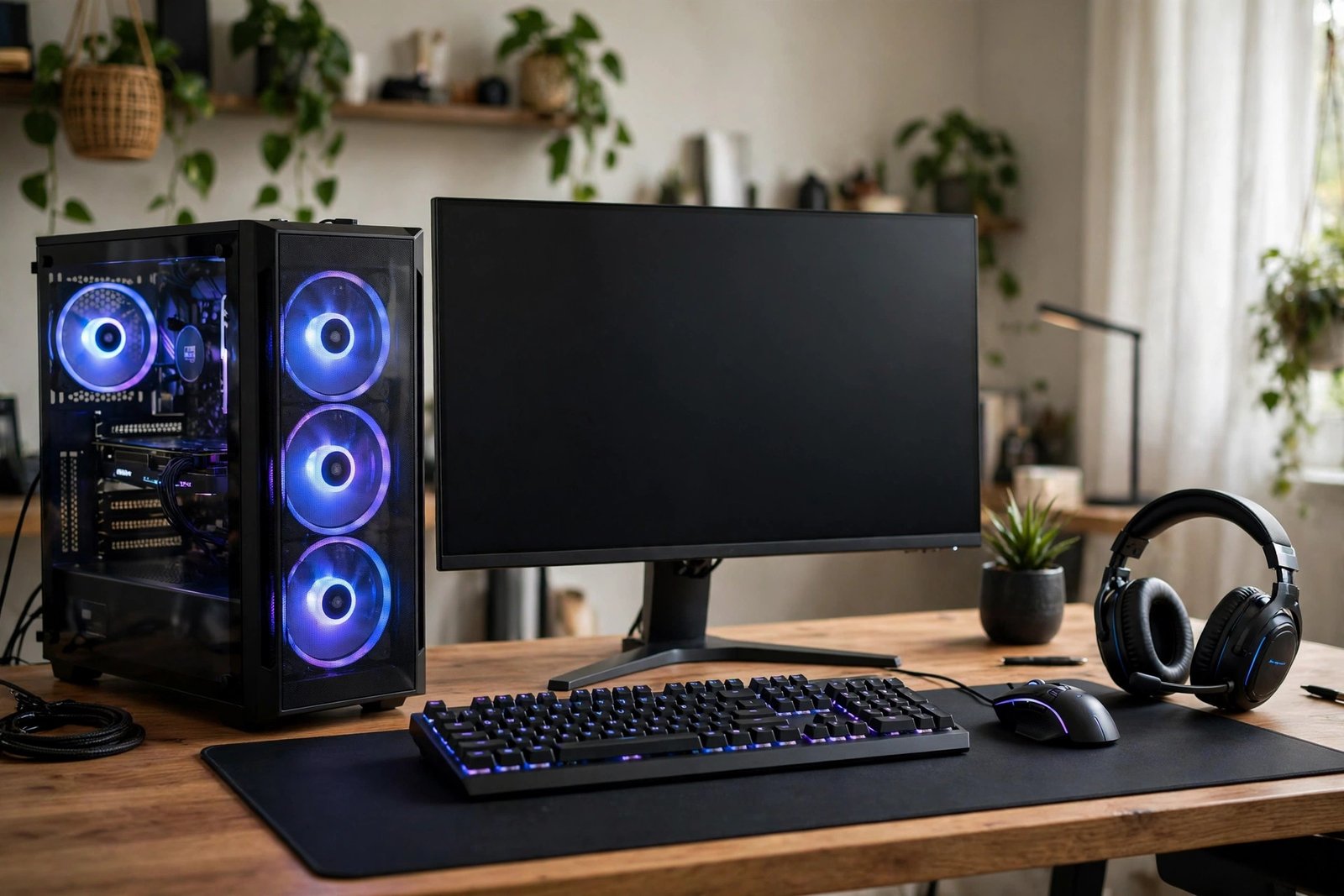
Buying a gaming PC piece by piece takes research, patience and a fair amount of confidence. You need to know which processor pairs well with which graphics card, how much memory is enough, and whether the power supply can handle everything safely. A gaming PC bundle removes much of that guesswork by packaging the main parts together, often with a monitor, keyboard, mouse and headset included, so you can go from box to game with far less assembly and far fewer compatibility worries.
Bundles are not all equal, though. Some are carefully balanced systems where every part suits the others. Some are built around one eye-catching component while quietly cutting corners elsewhere, such as a weak power supply or a small, slow storage drive. This guide explains what a gaming PC bundle usually includes, how to judge the parts inside it, what to watch out for, and how to set everything up properly once it arrives.
What Is a Gaming PC Bundle?
A gaming PC bundle is a package that combines a gaming computer with some or all of the accessories needed to use it. At its simplest, a bundle might be just the PC tower itself, sold with a keyboard and mouse thrown in. At the fuller end, it can include a monitor, a headset, a mousepad, speakers and sometimes even a gaming chair or a desk. The exact contents vary widely, which is why comparing bundles on headline specification alone is rarely enough.
Bundles exist for a simple reason. Many buyers know they want to play games on a PC but do not want to research every component, and retailers know that a complete package is easier to sell than a list of separate parts. A well-chosen bundle also guarantees compatibility, because the seller has tested the parts together. The trade-off is choice: you accept the retailer’s selection rather than picking every part yourself, and upgrading individual parts later may be limited by the case size or the power supply.
What Is Usually Included in a Gaming PC Bundle?
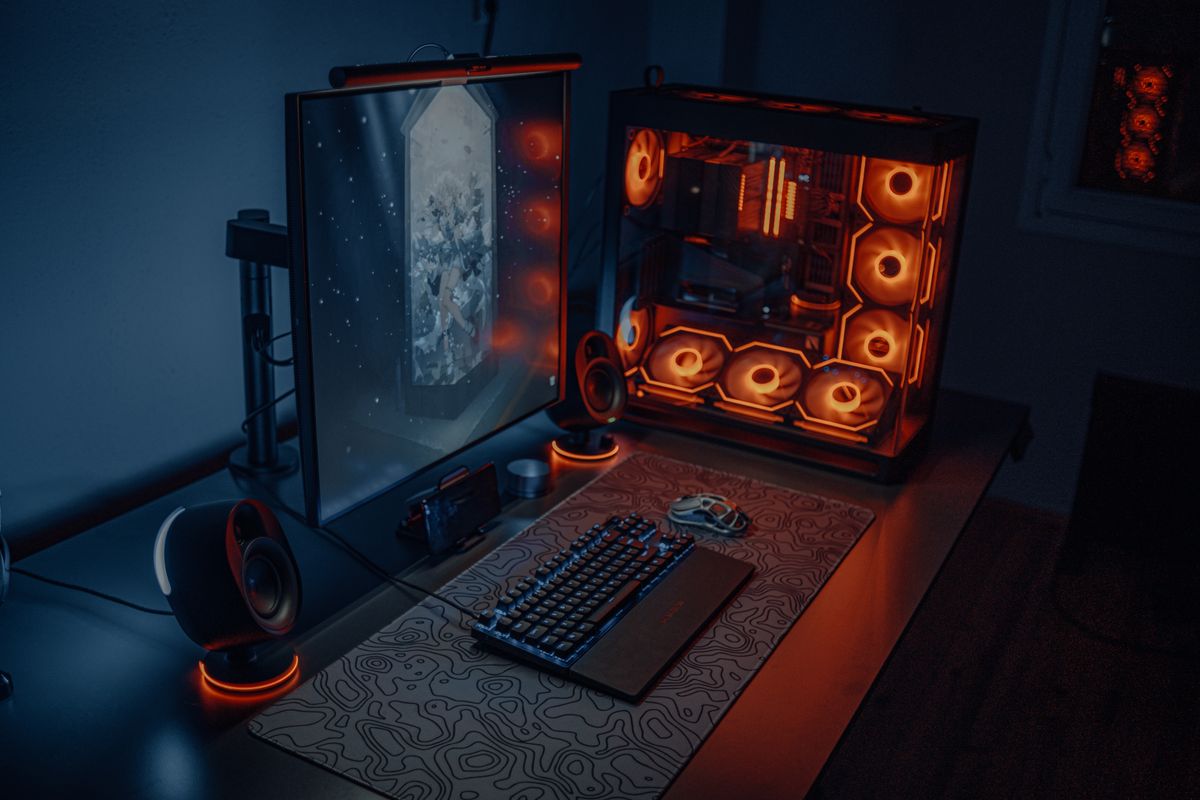
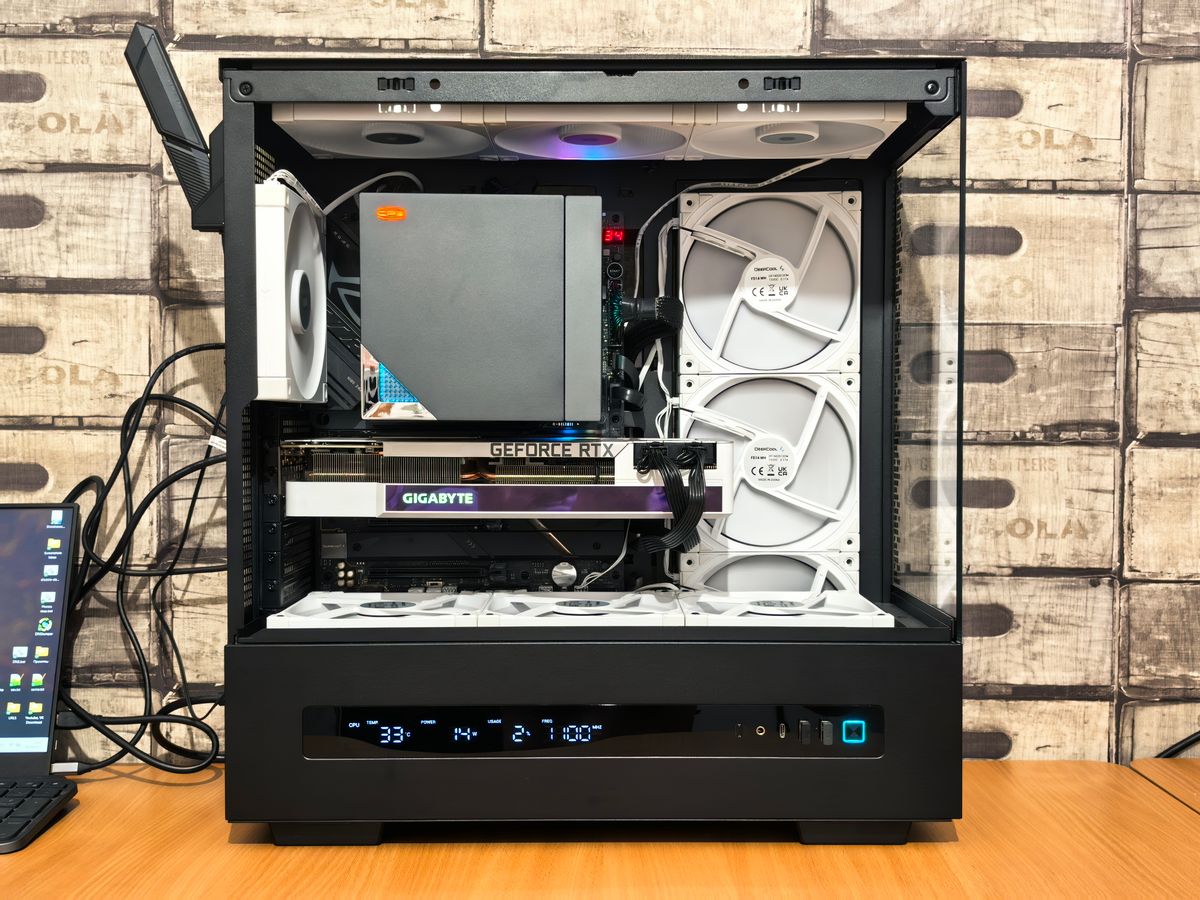
The centrepiece is the PC itself, usually a desktop tower containing a processor, a graphics card, memory, storage, a motherboard and a power supply, all housed in a case with cooling fans. Some bundles use a compact case that saves desk space but limits future upgrades, while others use a larger tower with room to add drives, memory or a bigger graphics card later. Case size is worth checking early, because it shapes everything you can change afterwards.
Most bundles then add the peripherals you need to actually play. A monitor is the most important of these, and its specification matters as much as the PC’s. A fast graphics card paired with a small, low-refresh monitor will not show its full potential, while a high-refresh monitor paired with a weak graphics card will sit mostly unused. Look for the monitor’s size, resolution and refresh rate, and make sure the bundle’s graphics card is capable of driving it at the settings you expect.
Keyboards and mice in bundles range from basic office-style models to proper gaming peripherals with mechanical switches, programmable buttons and adjustable sensitivity. A headset is often included too, and its quality varies from a serviceable starter headset to a genuinely good one with clear microphone audio. Speakers, mousepads and controllers appear less often, but when they do, treat them as bonuses rather than reasons to choose one bundle over another.
How to Judge the Parts Inside the Bundle
Start with the graphics card, because it has the biggest influence on gaming performance. Rather than relying on a model name alone, look up how it performs in the games you actually play, at the resolution of the included monitor. A card that handles fast-paced competitive games at high frame rates may still struggle with visually demanding single-player games at maximum settings, so match the card to your games, not to a marketing claim.
Next, check the processor. For gaming, a mid-range modern processor is usually enough, because most games lean harder on the graphics card. What matters is balance: a very powerful graphics card paired with a very weak processor will be held back, and a top-end processor paired with a weak graphics card wastes money that should have gone to graphics. A bundle where the two are in a similar class is a good sign.
Memory and storage come next. For modern gaming, a comfortable amount of memory lets games and background applications run together without stuttering, and a fast solid-state drive makes games load quickly and the whole system feel responsive. Be wary of bundles that advertise a large total storage figure made up mostly of a slow traditional hard drive, with only a small fast drive for the operating system. Games installed on the slow drive will load slowly, however large the headline number looks.
Finally, check the parts that rarely make the headline: the power supply and the cooling. A reliable power supply from a known maker, with enough capacity for the parts inside, protects the whole system. Good cooling, with sensible airflow and fans that are not constantly loud, keeps performance steady during long sessions. If a bundle listing hides the power supply brand or wattage entirely, that silence is worth noticing.
What Makes a Good Bundle Versus a Bad One?
A good bundle is balanced, transparent and honest about its parts. The listing names the processor, graphics card, memory size and speed, storage type and size, and monitor specification. It explains what is included and what is not, and it offers a reasonable warranty that covers the whole package. Good bundles also leave an upgrade path, such as a spare memory slot or room for an extra drive, so the system can grow with you.
A bad bundle hides detail. It may advertise a processor generation without naming the exact model, describe storage only as a large number without saying whether it is fast or slow, or include a monitor whose resolution and refresh rate are buried in small print. It may pair a strong graphics card with barely enough memory, or include peripherals that look gaming-styled but feel cheap and fail early. If a listing makes you work hard to find basic specifications, assume the missing details are not flattering.
Price deserves the same scrutiny. A bundle can look like a saving while actually costing more than the same parts bought separately, especially when the included monitor or headset is a low-cost model. Before committing, price the main parts separately where you can, and judge the bundle on the total value of what you actually receive, not on a claimed saving against an inflated original price.
Setting Up Your Gaming PC Bundle
When the bundle arrives, resist the urge to plug everything in at once and start playing. Unbox carefully, keep the packaging until you are sure everything works, and check each item against the listing. Connect the monitor to the graphics card, not to the motherboard video output, which is a common first-time mistake that leaves the graphics card unused. Install the monitor at a comfortable height and distance, and give the PC room to breathe, with vents unobstructed.
Before gaming, update the operating system and the graphics drivers, and run the updates for any included peripheral software. This takes time but prevents a long list of avoidable problems, from games crashing to a headset microphone not being recognised. Set up a sensible backup routine for your saved games and important files early, because a gaming PC holds more personal data than people expect, from account details to saved progress. For help keeping a system healthy once it is running, our guide to IT support explains what ongoing support covers, from updates and security to fixing faults when they occur.
Take a moment to learn the system’s limits too. Try your favourite games at a few different settings and note where performance is smooth and where it struggles. That baseline helps you spot later problems, such as a fan failing or a driver update hurting performance, and it tells you honestly whether the bundle meets your expectations while a return is still possible.

Upgrading a Bundle Later
One of the best reasons to buy a PC rather than a console is upgradability, but bundles vary in how much of it they allow. Adding memory or an extra storage drive is usually straightforward and gives the biggest improvement for the lowest cost. Replacing a graphics card later is possible in most full-size towers, provided the power supply and case have room, but it is harder in compact systems. Before buying, check whether the case opens easily, whether spare slots and connectors exist, and whether the warranty allows user upgrades without voiding cover.
It is also worth remembering how far gaming hardware has come. The machines we buy today are the result of decades of steady improvement in processors, graphics and storage, a story told in our guide to the evolution of technology, which puts today’s bundles in a longer context. That perspective helps when deciding how much to spend now versus how soon you expect to upgrade.
Common Mistakes to Avoid
- Judging by one headline part: A strong graphics card cannot rescue weak memory, slow storage or a poor monitor.
- Ignoring the monitor: Check its size, resolution and refresh rate, and match it to the graphics card.
- Overlooking the power supply: An unnamed or underpowered supply risks the whole system.
- Trusting claimed savings: Price the main parts separately before believing a bundle discount.
- Skipping driver updates: Outdated drivers cause more launch-day problems than faulty hardware.
- Blocking the vents: A PC pushed against a wall or into a closed cupboard will overheat and slow down.
Frequently Asked Questions
Is a gaming PC bundle better than building my own PC?
It depends on your confidence and priorities. A bundle guarantees compatibility, includes a warranty on the whole system, and gets you gaming faster. Building your own gives full control over every part and often better value, but it needs research and carries the risk of a compatibility mistake.
Do I need a monitor included in the bundle?
Not if you already own a suitable monitor. If you do, compare bundles without a monitor, or buy the tower alone, rather than paying for a second screen you do not need. If you do not own one, a bundled monitor is convenient, but check its specification carefully.
How long will a gaming PC bundle last?
A balanced mid-range bundle usually plays new games well for several years, with settings gradually lowered over time. Upgrades to memory, storage or the graphics card can extend its life further, provided the case and power supply allow them.
What warranty should a bundle include?
Look for a warranty that covers the whole package, including peripherals, for a clear period, with a straightforward returns process. Check whether on-site or return-to-base service applies, and whether user upgrades affect cover.
Conclusion
A gaming PC bundle is a smart shortcut when it is balanced, transparent and matched to the games you actually play. Judge the graphics card, processor, memory, storage, monitor and power supply as a system, not as a list of headlines, and be suspicious of any listing that hides basic specifications. Done carefully, a bundle gets you gaming sooner, with compatible parts, a single warranty and a clear upgrade path. Done hastily, it leaves you with one impressive component and several weak ones. Take the time to check the details before you buy, and the bundle you choose will serve you well for years.